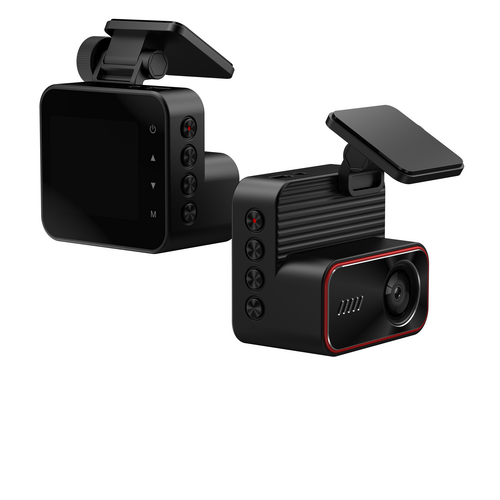
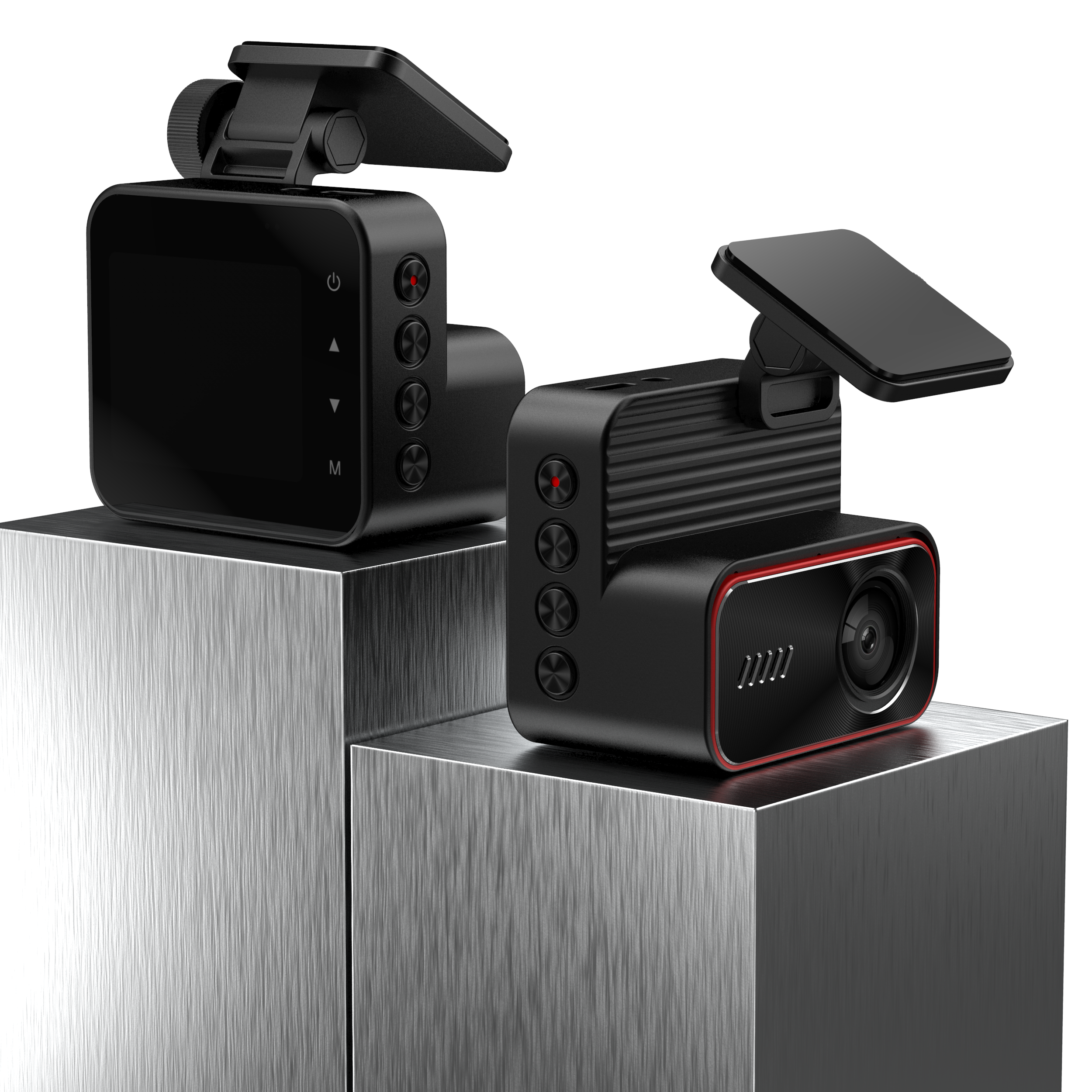
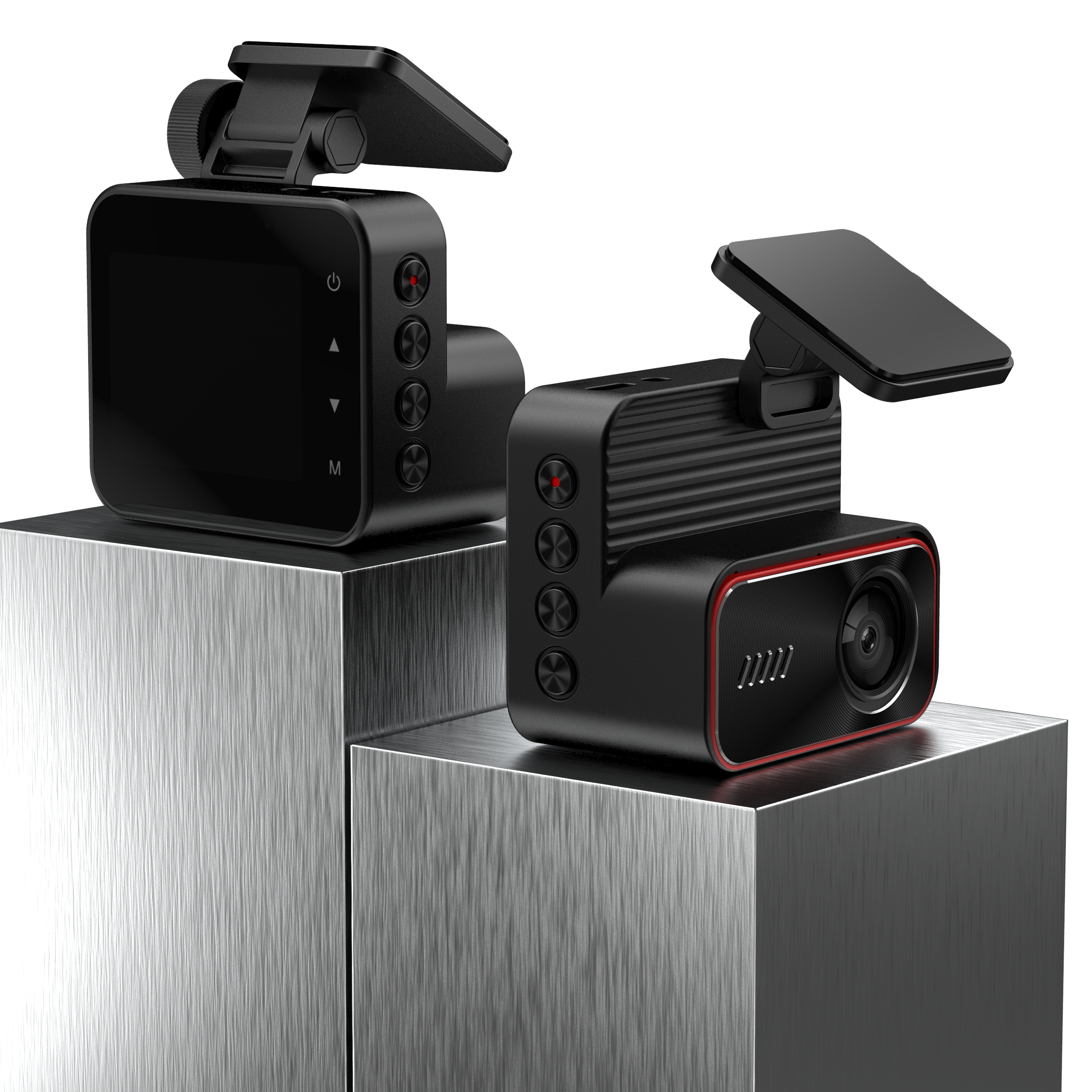
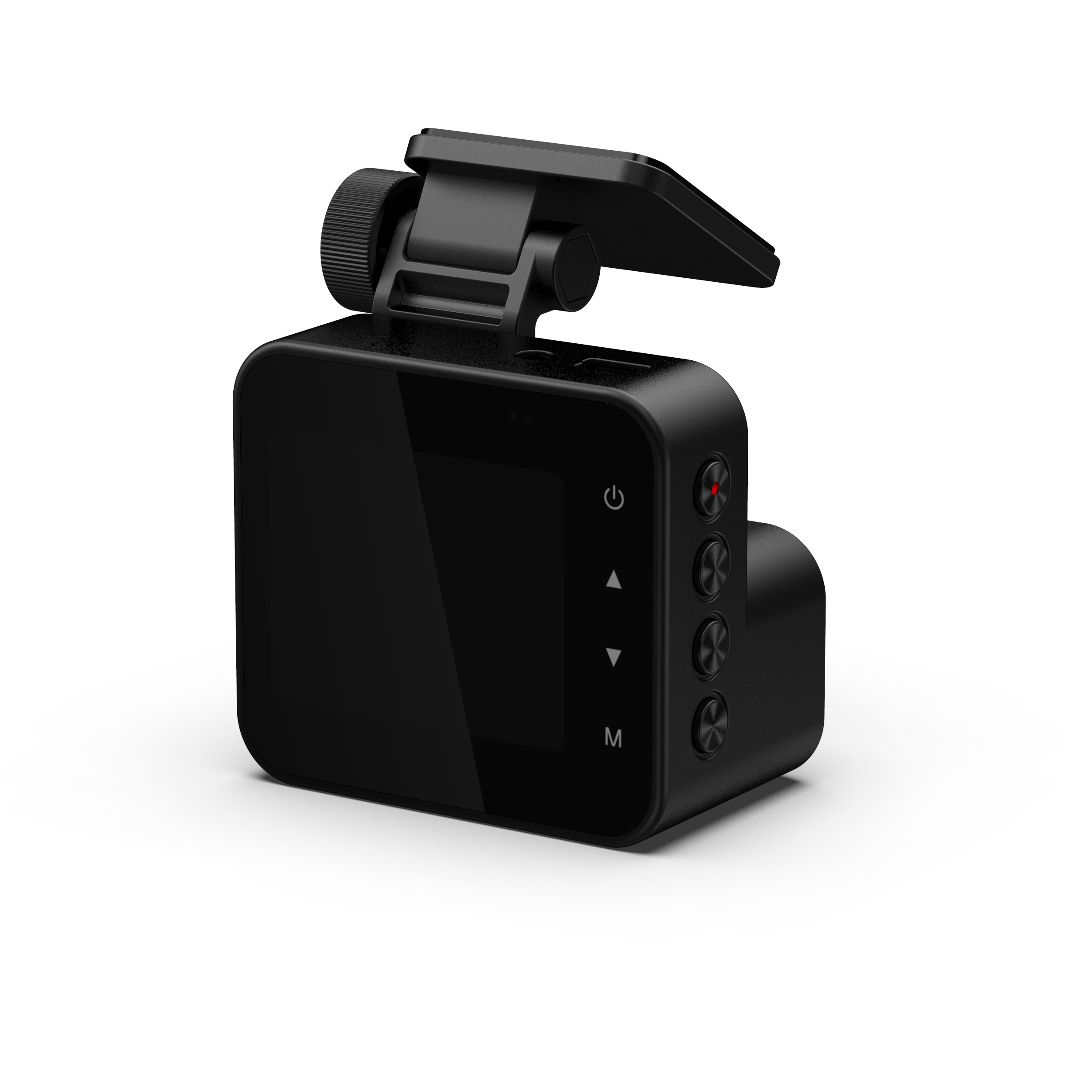
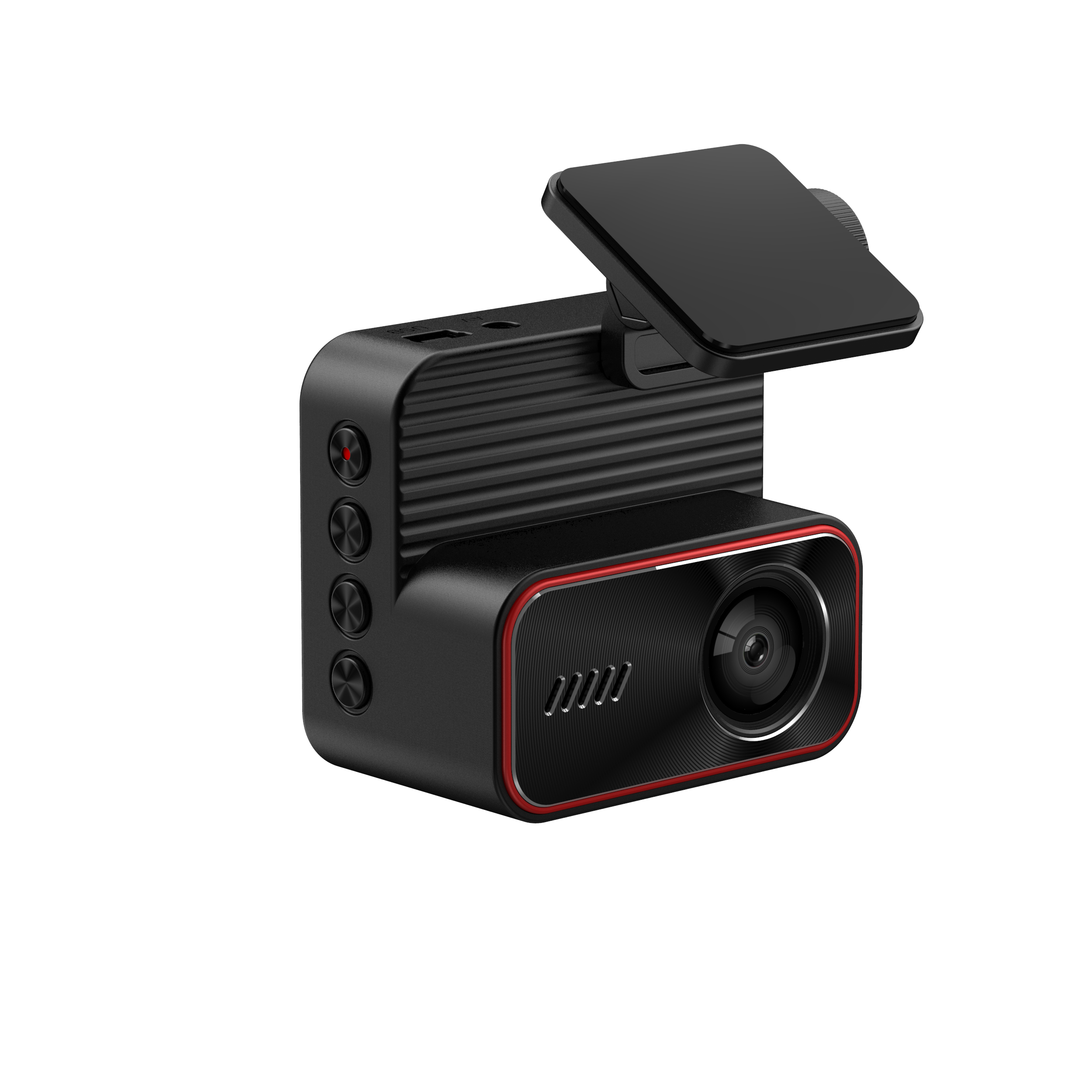
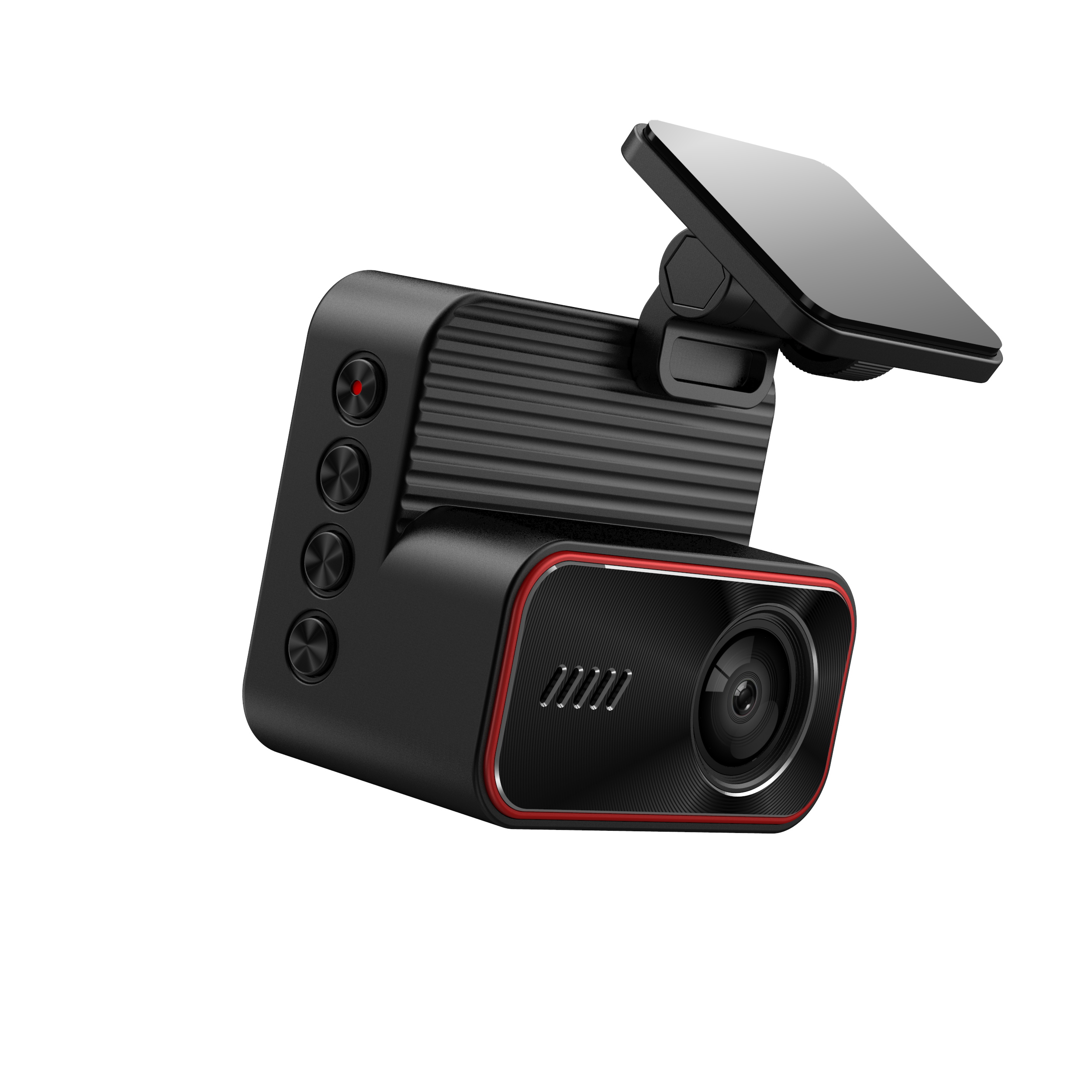
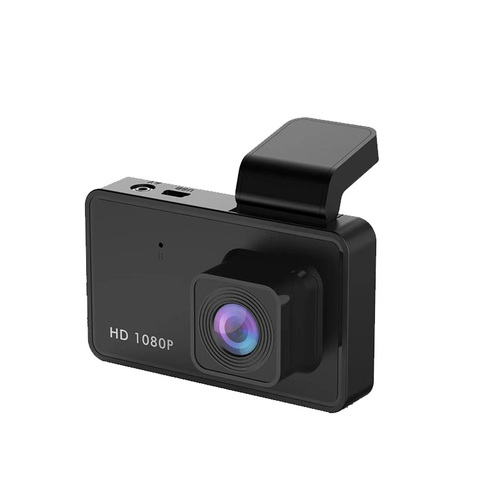
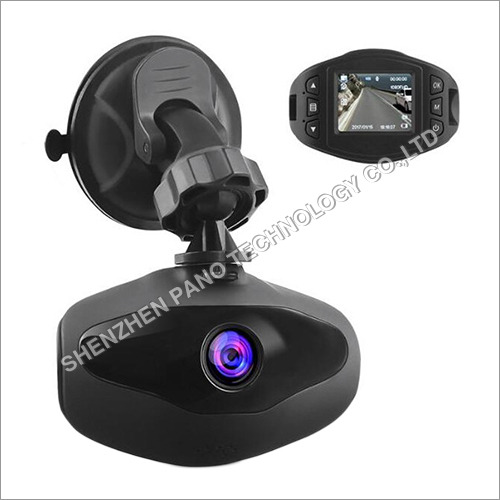
About Dash Cam Built in WiFi Car Dashboard Camera Recorder
ALLATION AND FUNCTIONS
Autimatic power on and off: After connecting the Dash Cam to the charger of the car and the car turns on, the Dash Cam wil aufomatically turn on and start record. When you turn off the car, Das Cam wwill automat cally tum off and archive the video
Motion Detectian: When the Dash Cam is at rest and an object is moving front,the camera wi start recording automatically. This function is adivated and deactiwated by pressing the OK button in the setup menu.
Loop recording: Enter the setup menu and select the video time in 1/2/3/4/5 minutes, the camera will delete the first file automatically to continue recording.
G-sensor: In movie recording made, when sudden changes oocur in the tilt or acceleration, the current video will be locked automatically, and it will continue in loop recording function. This funchion is activated and deactivated by pressing the OK button in the setup memu.
Parking monitor. With G-sensor and parking mode on ,The Dash Cam will go into standby mode and any mowement that occurs in the car, the camera will start recording in sleep mode, if the movement persists or is very rough the camera will turn an and continue recording.
Robust Construction & Customizable DesignBuilt from high-quality ABS, this dash cam delivers both durability and style. Drivers can choose customized colors to match any vehicle interior, ensuring a seamless integration into car aesthetics. The sturdy make provides extended longevity, while the sleek design guarantees minimal distraction on the dashboard.
CMOS Sensor & Enhanced Zoom FeaturesEquipped with a reliable CMOS sensor and zoom technology, the dash cam captures detailed footage, enhancing safety and accountability on the road. The single-lens design maximizes field of view, making it ideal for everyday commutes or long journeys requiring consistent, clear recording.
FAQ's of Dash Cam Built in WiFi Car Dashboard Camera Recorder:
Q: How do I install the dash cam in my car?
A: Installation is straightforward: mount the dash cam securely onto your car's dashboard or windshield, insert the appropriate memory card, and connect to the vehicle's power supply. The included instructions from the manufacturer can guide you through each step.
Q: What benefits does the CMOS sensor provide?
A: The CMOS sensor ensures clear, high-quality footage under various lighting conditions. This technology enhances image detail and helps accurately document incidents during day or night driving.
Q: When should I use the dash cam's recording functionality?
A: Use the dash cam during every drive. Continuous recording helps provide essential evidence in case of accidents, disputes, or unexpected events. The device is designed to operate seamlessly in the background.
Q: Where does the dash cam store recorded footage?
A: Recorded footage is saved directly to the inserted memory card. You can easily remove the card for viewing or transferring files to other devices as needed.
Q: What is the process for claiming the 1-year warranty?
A: To claim your warranty, contact your distributor, supplier, or manufacturer with your purchase details and product serial number. They will guide you through the claim process and address any product issues.
Q: How does the zoom technology improve safety?
A: The built-in zoom allows the dash cam to capture finer details, such as license plates or road signs, which can be crucial for insurance claims or legal matters after an incident.
Q: What usage tips can help extend the dash cam's lifespan?
A: Regularly check and format the memory card, ensure the camera lens remains clean, and avoid exposing the unit to extreme temperatures. Following these steps helps maintain optimal performance for years to come.










 Send Inquiry

 Send Inquiry
 Send Inquiry
 Send SMS